Disclaimer: This article is for general informational purposes only. Features and services may change over time depending on railway updates. Always check official railway sources for the latest details before making travel decisions.
Traveling by train in India has become much easier in recent years, especially for daily passengers and short-distance travelers. One helpful feature that many people are slowly discovering is the UTS Station QR Code system. If you live in or travel through Haryana, this system can save you time, effort, and long queues at ticket counters.
In this article, you will understand what the Haryana UTS Station QR Code is, how it works, and how you can use it in your daily travel. This guide is written in simple language so that anyone can understand it easily.
What is the UTS Station QR Code?
The UTS (Unreserved Ticketing System) QR Code is a digital सुविधा that helps passengers book unreserved train tickets directly from their mobile phones. With this system, there is no need to stand in long queues at railway ticket counters, which saves both time and effort.
At many railway stations, especially in places like Haryana, QR codes are displayed near ticket counters, station entrances, or other visible areas.
Passengers simply need to open the UTS mobile app on their phone and scan the QR code. Once scanned, they can quickly select their journey details and book their ticket within minutes.
This system is designed to make travel more convenient and faster, especially for people who travel frequently or on short routes.
It is mainly helpful for:
- People who travel daily by train (daily commuters)
- Passengers going on short-distance journeys
- Travelers who use general (unreserved) tickets regularly
Overall, the UTS QR Code system makes the ticket booking process simple, quick, and hassle-free.
Why Haryana Passengers Are Using It More
Haryana has several busy railway routes, particularly around major cities such as Gurugram, Faridabad, and Panipat.
During peak travel hours, a large number of passengers gather at ticket counters, which often leads to long queues and delays.
If you regularly travel through busy stations like Panipat, Ambala Cantt, or Gurugram, you’ve probably seen QR code posters placed near the main entry gates and unreserved ticket counters.
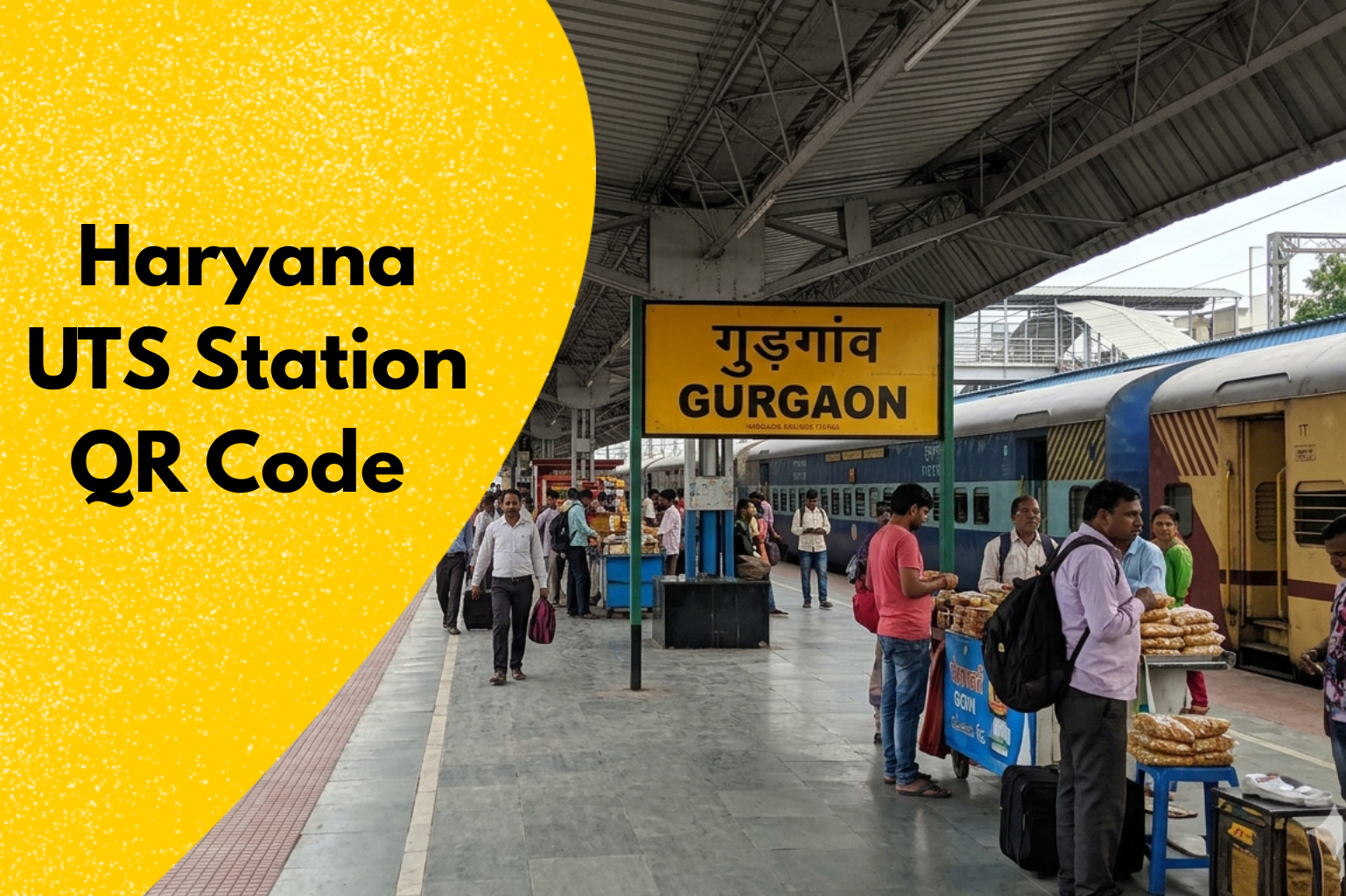
For example, at Gurgaon Railway Station, scanning the QR code can save a lot of time – especially during rush hours when ticket lines often get so long that they reach all the way to the parking area.
To solve this issue, the QR code-based ticketing system offers a more convenient option. It allows passengers to book their tickets quickly using their mobile phones, without waiting in line.
This system is helpful in many ways:
- It saves valuable time, especially during rush hours
- It reduces crowding and limits physical contact at ticket counters
- It makes the ticket booking process quicker and more convenient
Because of these benefits, many regular passengers now choose this method. They find it easy to use and dependable for their daily travel needs.
How the UTS QR Code Works
The UTS QR Code system is designed to be simple and user-friendly. Even if you are not very familiar with mobile apps or technology, you can easily understand and use it without much difficulty.
To get started, you need to download the RailOne official mobile app developed by the Centre for Railway Information Systems (CRIS) from your phone’s app store. After installing the app, register by entering your mobile number and creating your account. This is a one-time process.
Once your account is set up, you can follow these easy steps to book your ticket:
Step-by-Step Process to Book a Ticket on the RailOne App:
- First, install the RailOne app from the Google Play Store or Apple App Store. After installing, open the app and sign in using your mobile number. If you already have login details for IRCTC or UTS, you can use them to log in directly. This step helps you create or access your account.
- Once you are logged in, go to the ‘My Account’ or ‘Profile’ section to enable biometric login (Fingerprint/Face ID) or set an mPIN. This allows you to open the app and book tickets much faster without typing your password every time.
- Go to the main dashboard after logging in and tap on the “Book Ticket” option and select the type of ticket based on your need like reserved ticket for long-distance travel with seat or berth (Sleeper, AC, etc.), unreserved/local ticket for short trips or general travel without seat reservation, platform ticket for entry to the railway station platform only.
- Enter your starting (source) station and destination station after that select your travel date and choose your preferred train then select the travel class (Sleeper, 3AC, 2AC, etc.).
- After selecting your journey, enter passenger details like name, age, and other required information. Then move to the payment section. You can pay using safe and common options like UPI, debit or credit cards, net banking, or R-Wallet.
- Once the payment is successful, your ticket will be booked instantly. You can find it in the “My Bookings” section of the app. You can view it anytime or download it on your phone for easy access during your journey.
Key Benefits of Using QR Code Ticket Booking
QR code ticket booking makes the travel experience smoother and more convenient, especially for regular passengers. It helps reduce common problems faced at railway stations and allows you to manage your tickets easily from your phone.
No Need to Stand in Long Queues
One of the biggest advantages of this system is that you can avoid waiting in long lines at ticket counters. During busy hours, such as office time, stations often become crowded. With QR code booking, you can skip the queue and book your ticket directly through your mobile.
Quick and Convenient Process
The booking process is fast and simple. It only takes a few minutes to scan the QR code, enter your journey details, and complete the payment. You don’t need to hurry to reach the counter before the train time, which makes travel more relaxed.
Safe and Paperless Tickets
Your ticket is stored digitally on your phone, so there is no risk of losing a paper ticket. You can easily show it during checking, and it remains available in the app whenever you need it. This also supports a paperless and eco-friendly system.
Ideal for Daily Travelers
For people who travel regularly, this method becomes very useful. Once you get used to it, booking tickets becomes a quick daily task. It helps save time every day and makes the overall travel routine more efficient.
Important Things to Keep in Mind
- You must have an active internet connection to book your ticket without any issues
- Keep your phone’s location services (GPS) turned on while using the app
- Ticket booking through QR code works only when you are physically near the railway station
- The ticket is valid only for a specific journey and limited time period
- Always check your details carefully before confirming the booking
Following these simple points will help you use the system smoothly and avoid any problems during ticket booking.
Real-Life Experience: What Most People Notice
Based on daily use, many passengers find the QR code ticket system useful and convenient. However, it works smoothly only when it is used in the right way.
From what I’ve seen at stations like Faridabad and Rohtak, many passengers try to scan the QR code from too far away, which often doesn’t work.
The system is built with security in mind, so it performs best when you’re within about 100–500 meters of the platform.
In my experience, the easiest way is to scan the code as soon as you enter the station—that’s usually the perfect moment for a smooth booking.
Some users try to book tickets while they are still far away from the station. In such cases, the app may show an error. This usually happens because the system checks your location to ensure security and prevent misuse.
Another common observation is that the app becomes easier to use with practice. Once people understand how it works, booking tickets takes less time compared to standing in line for a manual ticket.
Many regular travelers say that after a few uses, the process feels quick and simple, making their journey more comfortable and hassle-free.
Overall, the system is helpful, but following the correct steps and understanding how it works can make the experience much better.
Pro-Tip (Based on Personal Experience)
- If you travel regularly, it is better to book your ticket a few minutes before reaching the station, instead of waiting until you are at the entry gate.
- Booking early helps because mobile network speed can become slow in crowded places, which may delay the process.
- It also reduces last-minute pressure, so you can enter the station calmly without rushing.
- If there is any issue with payment, such as a failed transaction, you will have enough time to fix it without panic.
- Always keep your payment method ready in advance, whether it is your app wallet, UPI, or card.
- This simple habit can make your journey smoother and help you avoid unnecessary delays.
Common Mistakes to Avoid
Few common mistakes you should avoid while using the RailOne Application:
- Even though the system is easy to use, small errors can still cause confusion or delays during booking.
- Make sure your GPS or location service is turned on before you try to book a ticket. Without it, the system may not work properly.
- Do not wait until the last moment to book your ticket. Booking in a hurry can lead to mistakes or failed transactions.
- Avoid using a weak or unstable internet connection, as it can slow down the process or cause errors while booking.
- Always check your ticket details after booking, such as the station, time, and validity, to avoid any issues during travel.
- By being careful about these points, you can enjoy a smooth and hassle-free ticket booking experience.
Is It Safe to Use?
Yes, the UTS QR Code system is considered safe when you use it correctly. It is built in a way that allows only real passengers who are physically near the railway station to book tickets, which helps prevent misuse.
To keep your experience secure and smooth, follow these simple points:
- Use your personal mobile phone: Always book tickets from your own device. This helps protect your personal information and reduces the risk of unauthorized access.
- Do not share your login details: Keep your username, password, and OTP private. Sharing these details with others can lead to misuse of your account.
- Check your journey details carefully: Before making the payment, review all the information such as station names, travel date, and ticket type to avoid any mistakes.
Future of QR-Based Ticketing in Haryana
As digital technology continues to grow, QR-based ticketing systems are likely to become more common and efficient in Haryana.
Many railway stations may introduce this facility, and the mobile application used for booking tickets is expected to improve in speed, performance, and ease of use. This will make the overall travel experience smoother for passengers.
In the coming years, passengers can expect several practical benefits:
- Reduced need for ticket counters: With QR-based booking, people may not need to stand in long queues at railway stations. Most tickets can be booked directly through a mobile phone, saving time and effort.
- Quicker movement at stations: Entry and exit processes can become faster, as passengers can simply scan their QR codes instead of showing printed tickets. This can help reduce crowding, especially during busy hours.
- Better control over travel plans: Passengers will have more flexibility to plan their journeys. They can book tickets anytime, check details instantly, and make changes if needed without depending on manual systems.
Conclusion
The Haryana UTS Station QR Code system is a useful and modern way to make train travel easier. It is designed to help passengers save time and avoid standing in long queues at ticket counters. This is especially helpful for daily travelers who need a quick and reliable way to book tickets without delays.
Once you learn how the system works, it becomes a simple part of your daily routine. Booking tickets through QR codes can be done in just a few steps, making the whole process faster and more convenient.
At the beginning, you might need a little practice to understand the steps clearly, but after using it a few times, it becomes very easy to handle.
For people who travel by train regularly, trying this method at least once is a good idea. It gives you a clear understanding of how smooth and time-saving the process can be, and it can make your travel experience more comfortable overall.
FAQs – Haryana UTS Station QR Code
1. Which app can I use to book a QR code train ticket?
You can use the RailOne app (earlier called UTS on Mobile). It allows you to book unreserved tickets, platform tickets, and season passes by scanning QR codes easily.
2. Is the QR code system available at all Haryana stations?
It is available at many stations, but not all. Availability may vary depending on the station.
3. What if my phone battery dies after booking?
You should try to keep your phone charged. It’s always safer to carry a backup option if possible.
4. Can I cancel a ticket booked using QR code?
Yes, cancellation is possible through the app, but rules may apply depending on timing.
5. Do I still need a paper ticket?
No, the digital ticket on your phone is usually enough.